Understanding the Trojan Threat

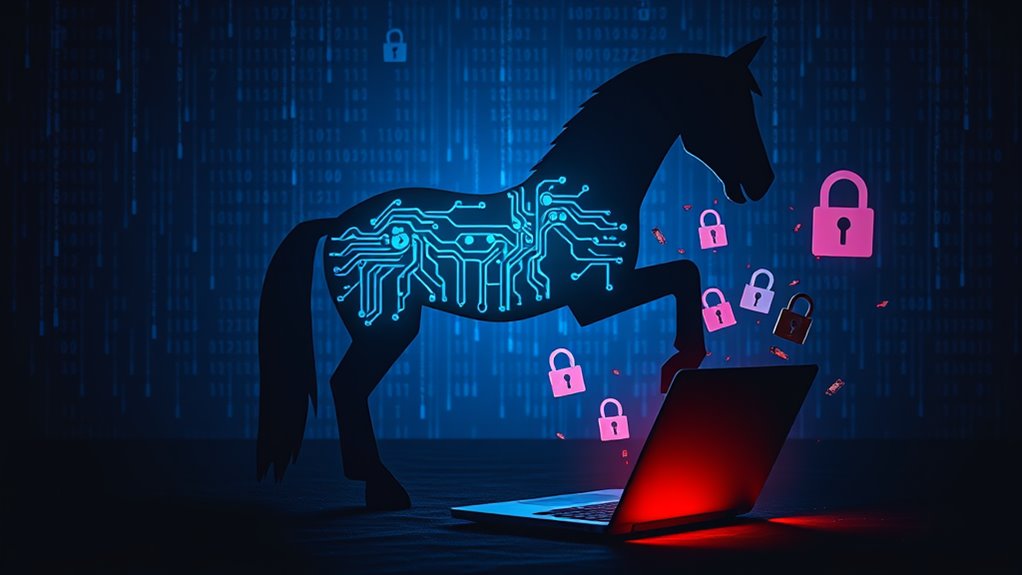
Trojans are the sneaky villains of the malware world. They pretend to be legit software, pulling you in before you realize you've been duped. You click, and bam! They're in. No self-replicating nonsense like viruses; it's all about trickery. They open backdoors for hackers, steal your stuff, and can even turn your device into a mindless bot. It's messy and frustrating. Want the full scoop on how they operate? Keep that curiosity rolling.
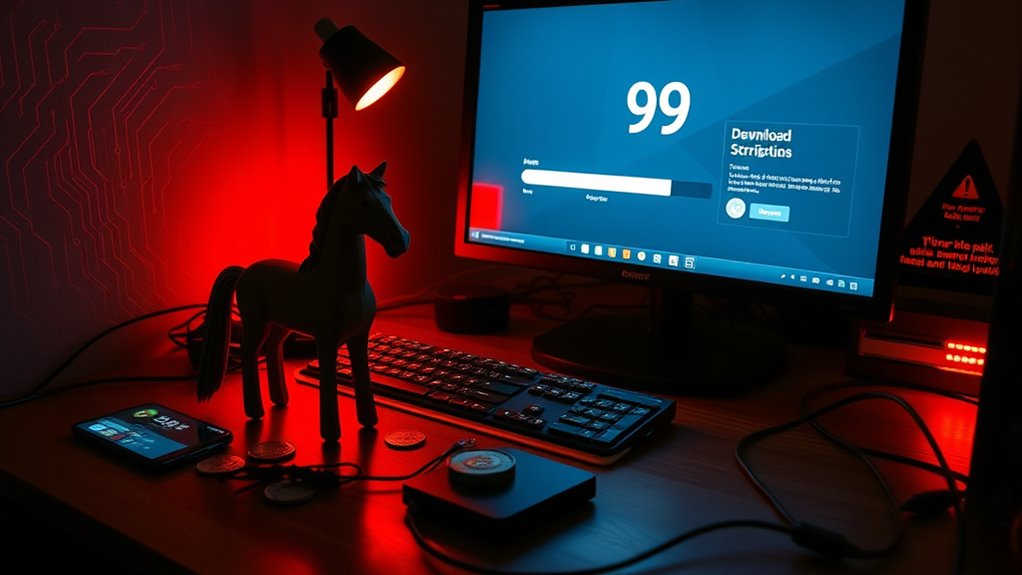
When it comes to cybersecurity nightmares, Trojans take the cake—and not the good kind. These nasty bits of malware disguise themselves as legitimate software, tricking unsuspecting users into clicking "install." Surprise! Instead of a helpful app, they've invited a digital monster into their lives.
Unlike some viruses, Trojans don't self-replicate. They rely on good old-fashioned user interaction to spread. Clever, right?
Trojans are the sneaky malware that depend on user clicks, proving that human error is the ultimate gateway for trouble.
Once installed, these little demons create backdoors, allowing hackers to waltz in and take control of your system. They exploit vulnerabilities like a kid in a candy store. And if that wasn't enough, some Trojans act like sneaky rootkits, hiding their malicious activities while they wreak havoc.
Infection can happen through email attachments or those sketchy downloads that promise the latest blockbuster. Ever downloaded pirated software? There's a good chance you welcomed a Trojan into your system. They love social engineering tactics too—phishing emails are like a buffet for them.
And let's not forget about those unofficial app stores on mobile devices. What could possibly go wrong there?
There's a whole family of Trojans, each with its own twisted agenda. Exploit Trojans look for software flaws to exploit. Downloader Trojans install even more malware. Ransom Trojans? They'll hold your files hostage. Banking Trojans steal your financial credentials. Similar to crypto malware, these variants often employ memory scraping techniques to extract sensitive financial information from your system. And Remote Access Trojans give attackers full control over your device. Remote Access Trojans are particularly dangerous as they allow attackers to manipulate your device as if they were right in front of it. Fun times!
The impact? Stolen passwords, corrupted files, and even turned devices into botnets for DDoS attacks. It's like a nightmare you can't wake up from.
Detection isn't easy. Slow systems, strange behavior, or disabled antivirus software are all red flags. To effectively combat these threats, strong antivirus or anti-malware software is essential for detection and prevention.
Frequently Asked Questions
How Do Trojans Differ From Other Types of Malware?
Trojans are sneaky little devils. Unlike viruses, they don't self-replicate. They need a user to take the bait—click that sketchy link or download that "must-have" app.
Worms? They're the autonomous party crashers, spreading everywhere without a care. Trojans focus on stealing data or creating backdoors, while viruses just want to corrupt your files.
Detection? Good luck! They hide in plain sight, camouflaged as legitimate files. Clever, right?
Can Trojans Infect Mobile Devices as Well?
Yes, Trojans can totally infect mobile devices. They sneak in through sketchy apps or phishing schemes.
Android users, beware! Third-party app stores are like open invitations to malware.
You've got SMS Trojans that rack up charges, banking Trojans that empty wallets, and Infostealers that swipe your data. It's a mess.
Detection? Look for weird behavior. If your phone acts up, there's a chance a Trojan's behind the curtain, pulling the strings.
What Are Common Signs of a Trojan Infection?
Common signs of Trojan infection? Oh, they're a real treat.
Your computer crawls along at a snail's pace, crashing randomly. Apps pop up out of nowhere, unwanted and annoying.
Expect bizarre behavior, like programs acting like they have a mind of their own. Plus, good luck with your internet—redirects to shady sites are the norm.
And let's not forget the mysterious network activity. It's like your device has a secret life you didn't sign up for.
Are Free Antivirus Programs Effective Against Trojans?
Free antivirus programs can be hit-or-miss against Trojans.
Bitdefender Free? A solid choice with a perfect detection rate.
Malwarebytes Free? Good luck finding those sneaky files.
Sure, they're free, but don't expect real-time protection. Most lack that, leaving users wide open.
Some tools might slow down your system, too.
And let's be real—no live support means you're on your own.
How Can I Report a Trojan Attack?
Reporting a Trojan attack is straightforward, but it's not just a walk in the park.
First, disconnect that device from the internet—no need for further chaos.
Next, run a scan with antivirus software; that might help gather some evidence.
Then, contact the authorities or a cybersecurity team.
Finally, secure your systems and educate everyone involved.
It's like cleaning up after a messy party—nobody wants to deal with the aftermath, but it's necessary.